04/08Free tool
Free OBS Widgets
Animated OBS widgets for your stream. Starting soon countdown, be right back timer, social media rotator, live chat box and an animated weekly schedule. Pick a design and your colors, copy the link and paste it into OBS or Streamlabs as a browser source.
If that time has already passed today, it counts down to tomorrow.
Type your channel name to read your real chat. Leave it empty to preview with example messages. Read-only: no login and no permissions needed.
Like the look? The full packs include every screen, facecam frame and panels.
Browse the packs·How to use it
Add it to OBS in four steps
- Copy the link above with the Copy link button.
- In OBS or Streamlabs, click + under Sources and choose Browser (Browser Source).
- Paste the link in URL and set Width 1920 and Height 1080.
- Starting soon, BRB, ending and schedule are full scenes: put them in a scene of their own. The social rotator has a transparent background, so place it over your gameplay.
Tip: the countdown starts when the source loads. Turn on Refresh browser when scene becomes active so it restarts each time you switch to that scene.
Want a scene made just for your brand?
We design custom overlays and animated scenes for streamers, influencers and esports teams.
Let's talk about your idea03Questions
OBS widget questions
01What is an OBS browser source widget?
02Are the widgets really free?
03Does it work with Streamlabs Desktop, Twitch Studio or TikTok Live Studio?
04How do I restart the countdown?
05Can I use my own colors?
06Can you make widgets that match my brand?
-
01
Overlay Creator
21 scenes: stream screens, overlays, alerts, banners and social posts
-
02
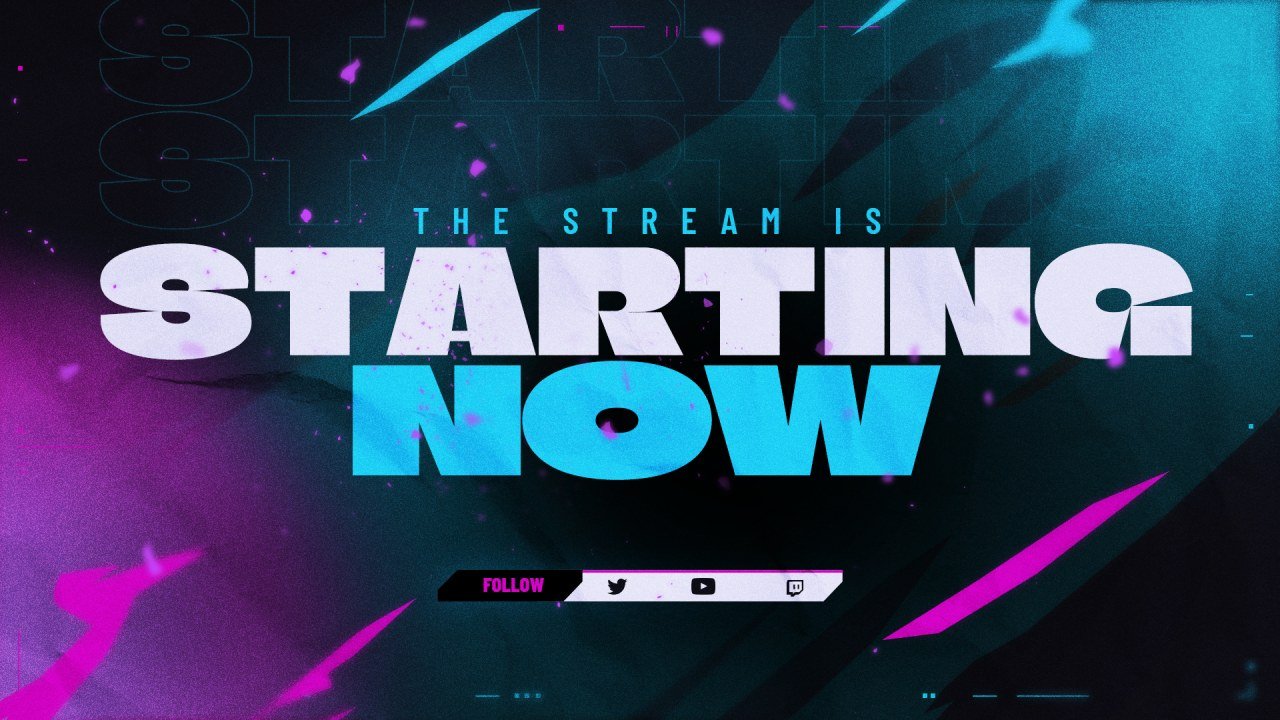
Customizer
Recolor a stream screen in your brand colors and add your handle.
-
03
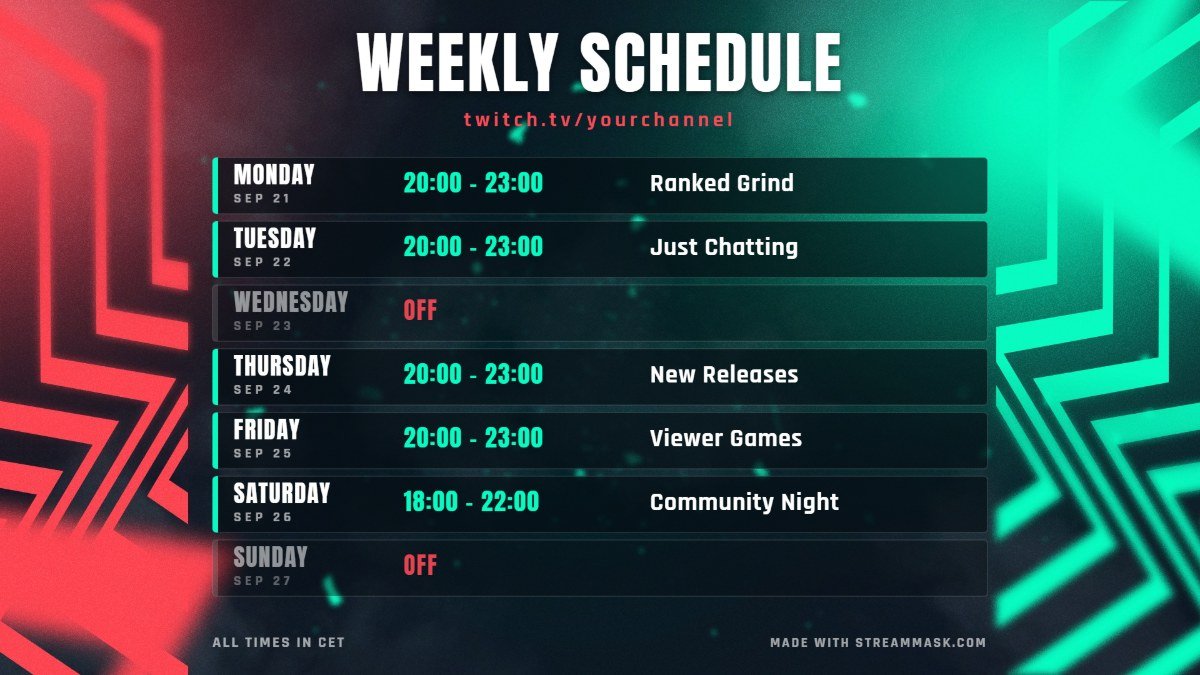
Schedule Maker
Make a weekly schedule image, ready to post.
-
05
Brand Kit
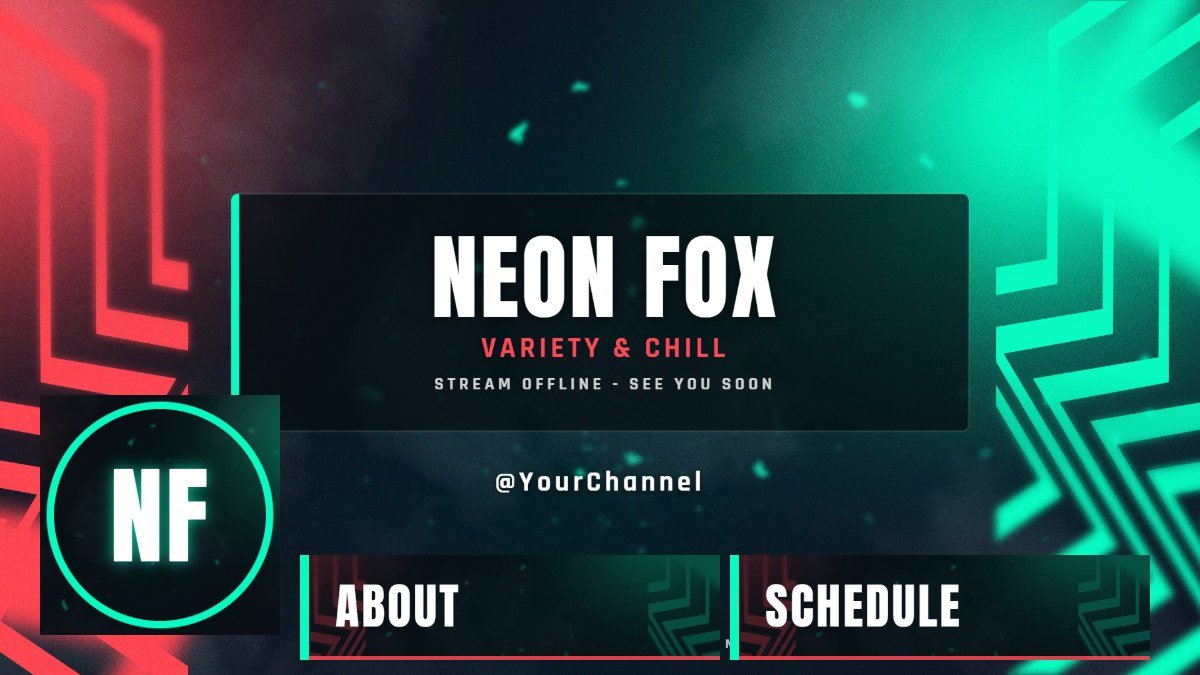
Offline screen, panels, banners and avatar in one click.
-
06
Emote Maker
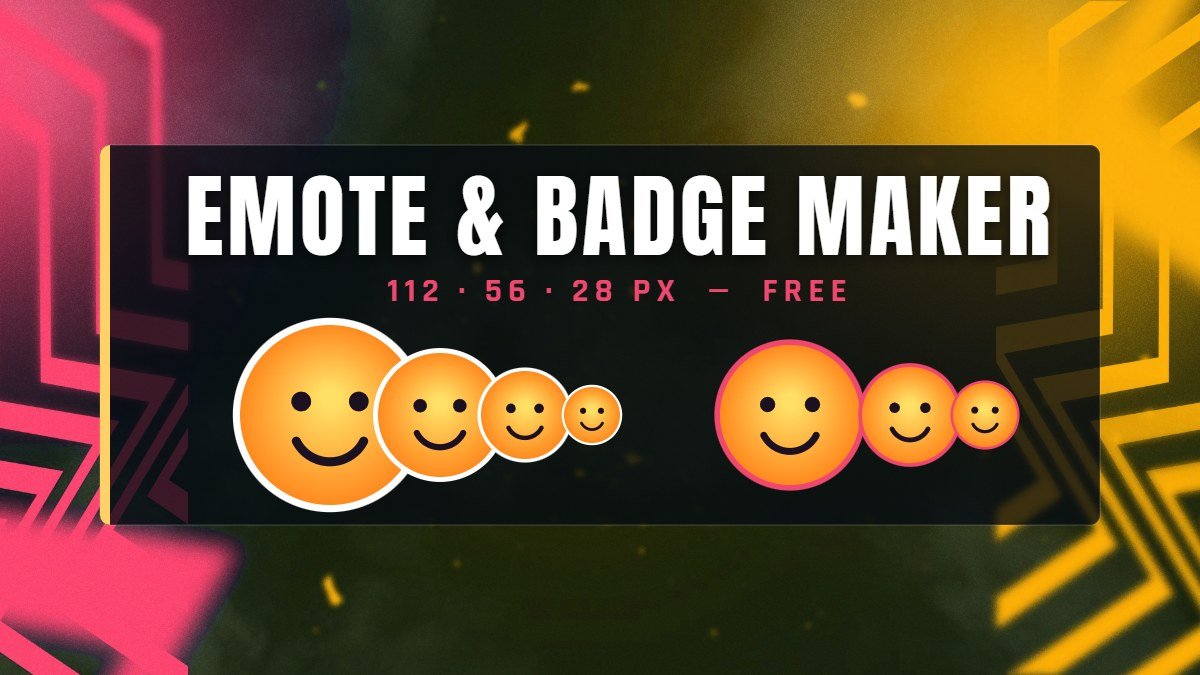
Turn any image into Twitch and Discord emotes and badges.
-
07
Thumbnail Maker
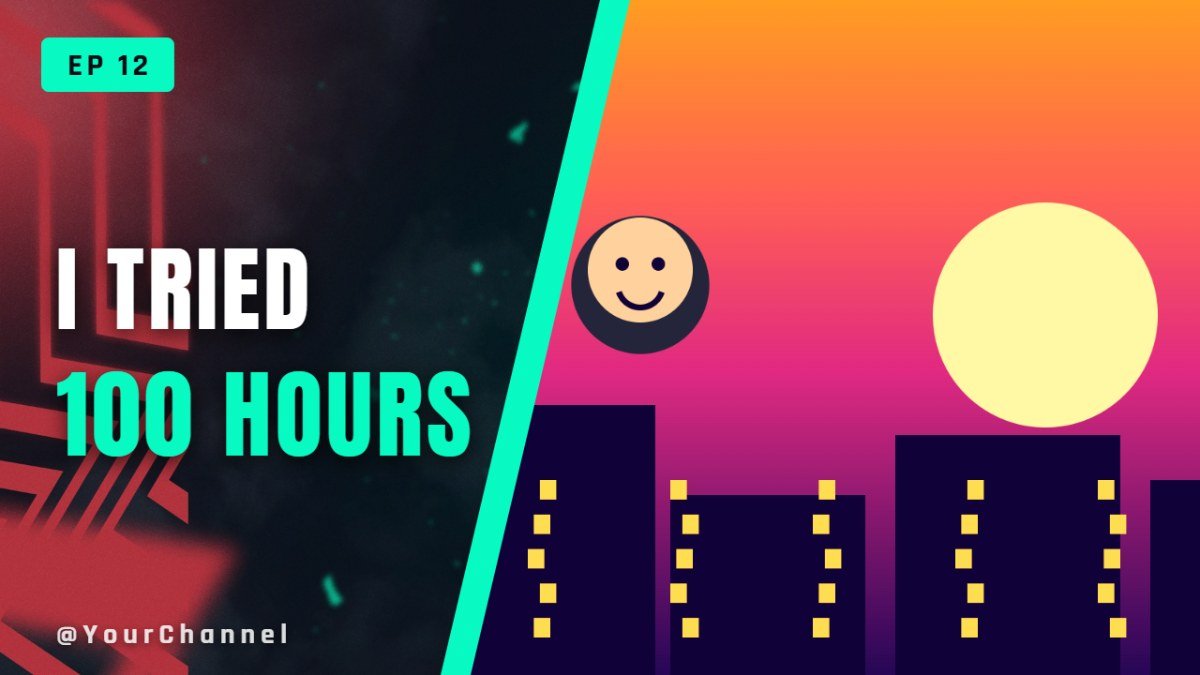
YouTube thumbnails with big text, in a few minutes.
-
08
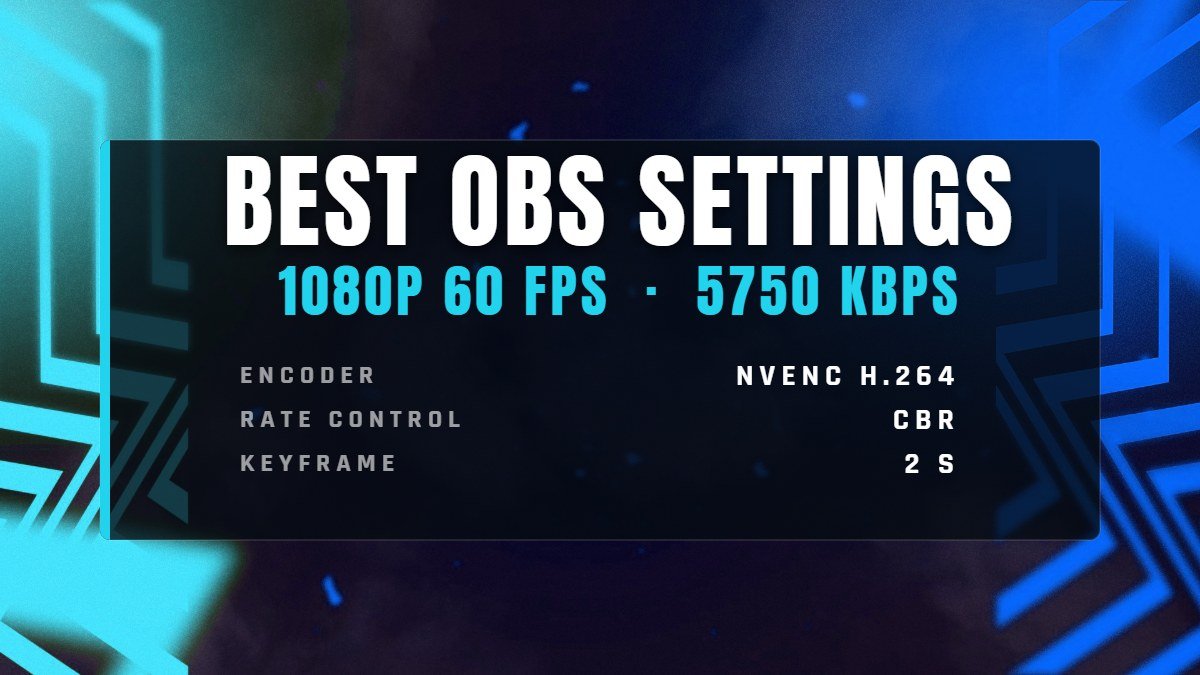
OBS Settings
The right bitrate and encoder settings for your connection.