07/08Free tool
Free YouTube Thumbnail Maker
Make a thumbnail that gets clicked. Upload a screenshot or a photo, pick a template, type your headline and download a 1280x720 thumbnail. No account, and your image stays on your computer.
Drag on the picture to move your image.
Need thumbnails designed for you? Let's talk about your idea
Same look for your whole channel
Make matching banners, panels and an offline screen with the free Brand Kit.
Open the Brand Kit03Questions
Thumbnail maker questions
01What size is a YouTube thumbnail?
02Is it really free, and is my image uploaded?
03How do I make a thumbnail that gets clicked?
04Can I use it for Twitch, Kick or TikTok?
05Can I change the colors and the design?
06Can you design my thumbnails for me?
-
01
Overlay Creator
21 scenes: stream screens, overlays, alerts, banners and social posts
-
02
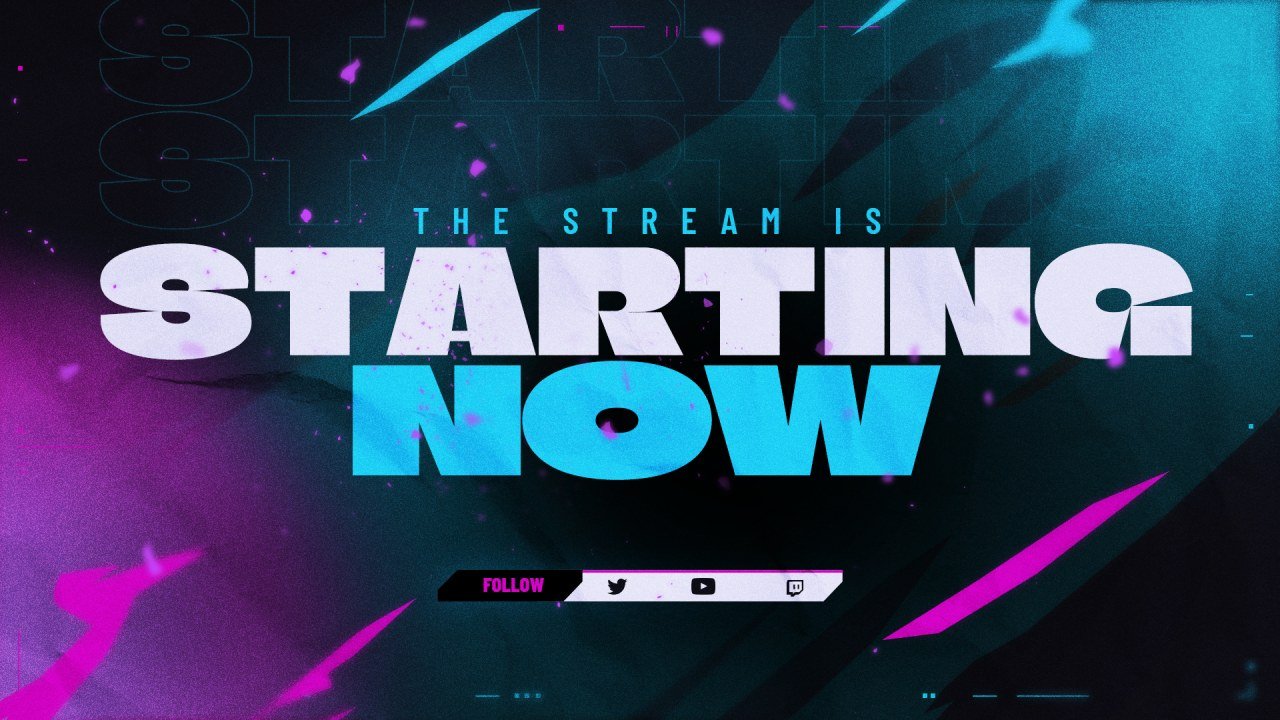
Customizer
Recolor a stream screen in your brand colors and add your handle.
-
03
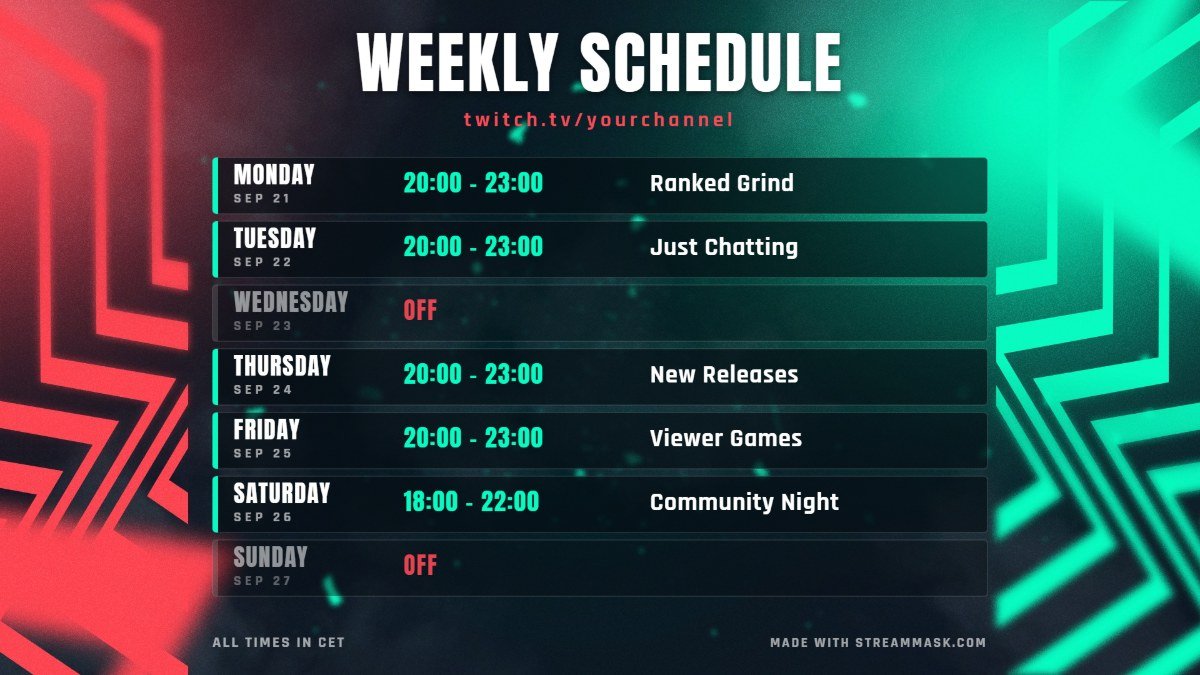
Schedule Maker
Make a weekly schedule image, ready to post.
-
04
OBS Widgets
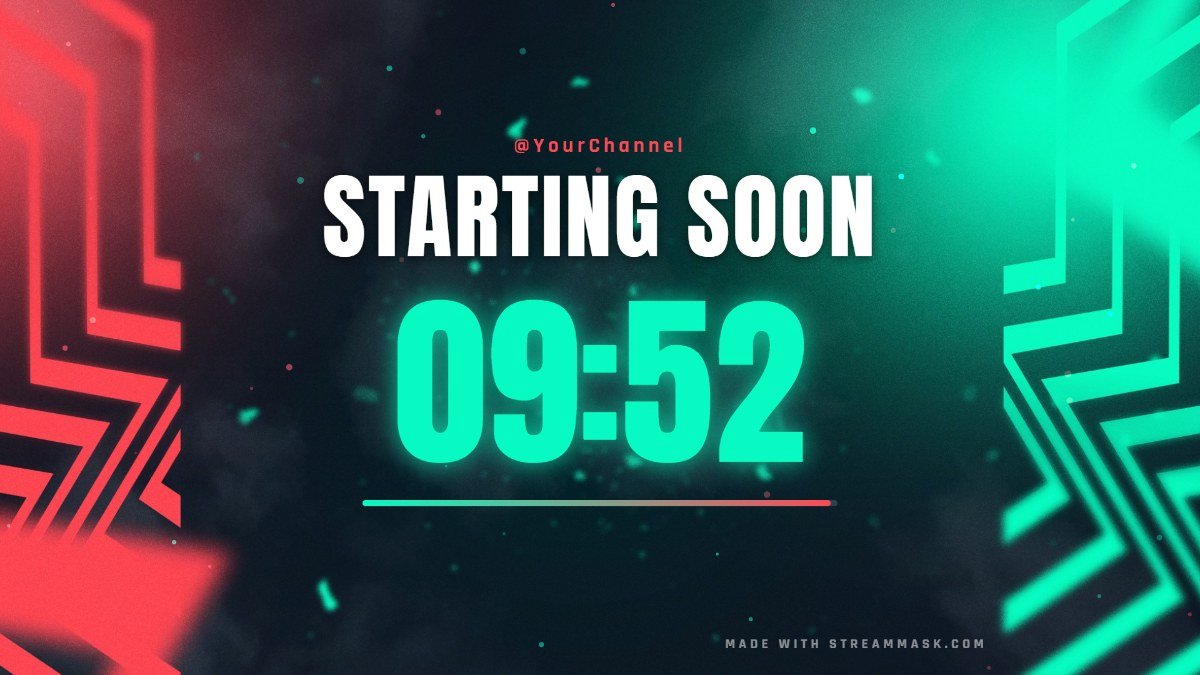
Starting soon countdown, BRB timer, live chat box and social rotator.
-
05
Brand Kit
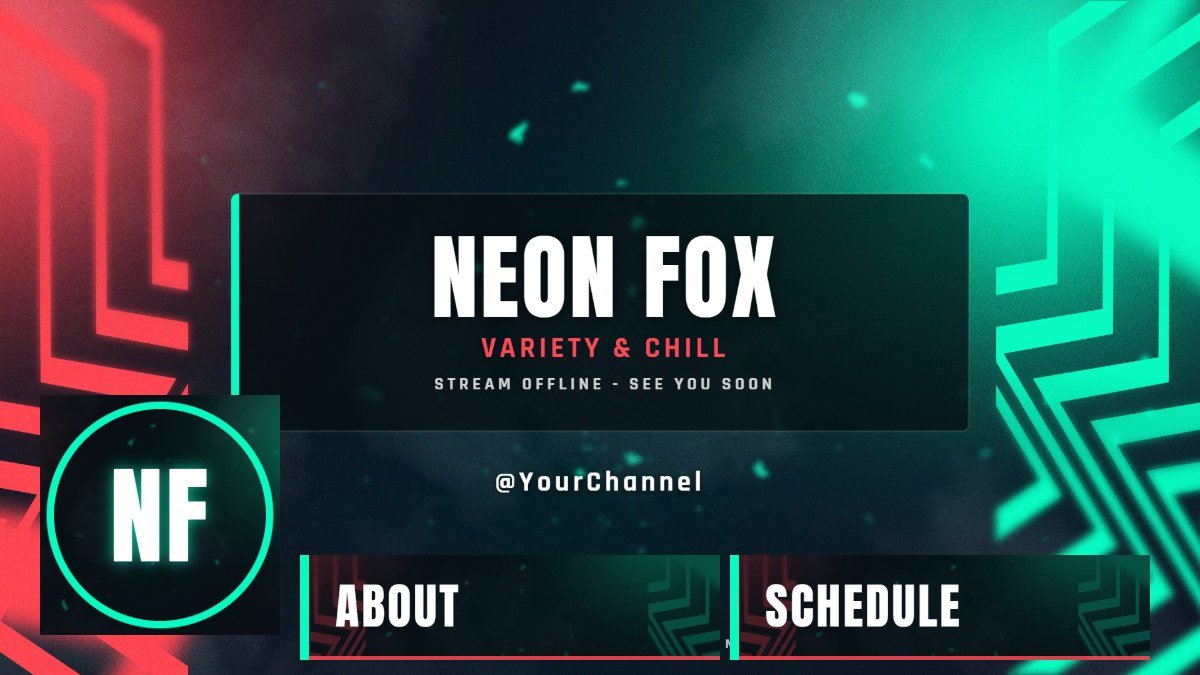
Offline screen, panels, banners and avatar in one click.
-
06
Emote Maker
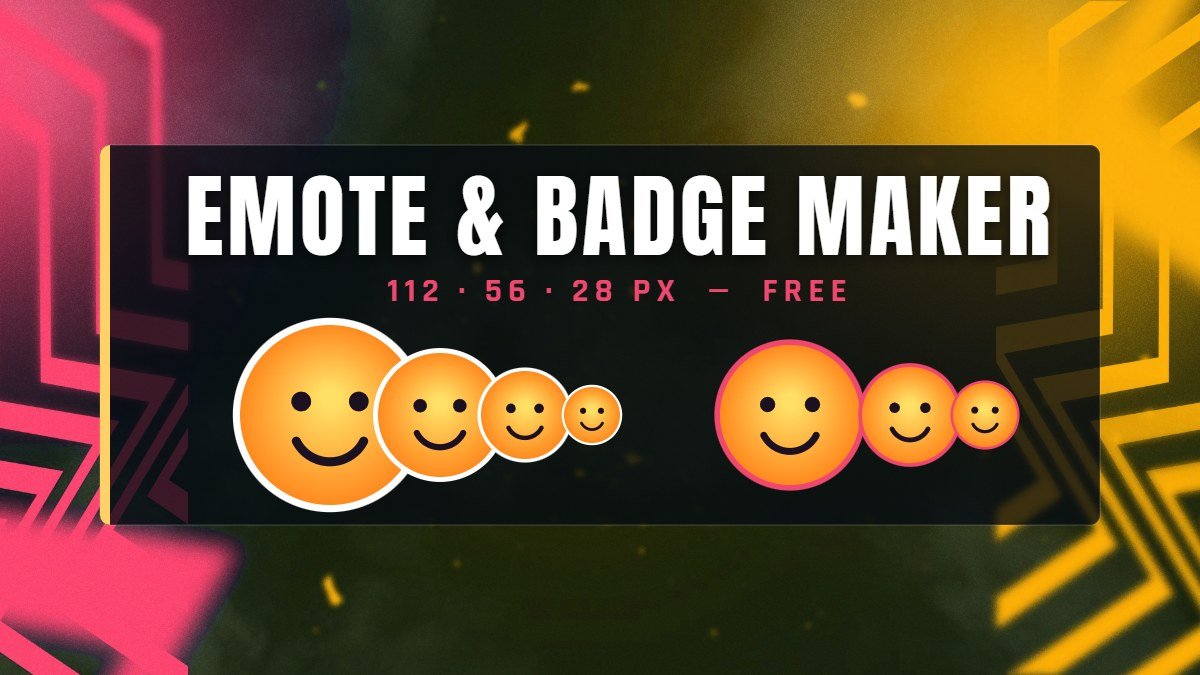
Turn any image into Twitch and Discord emotes and badges.
-
08
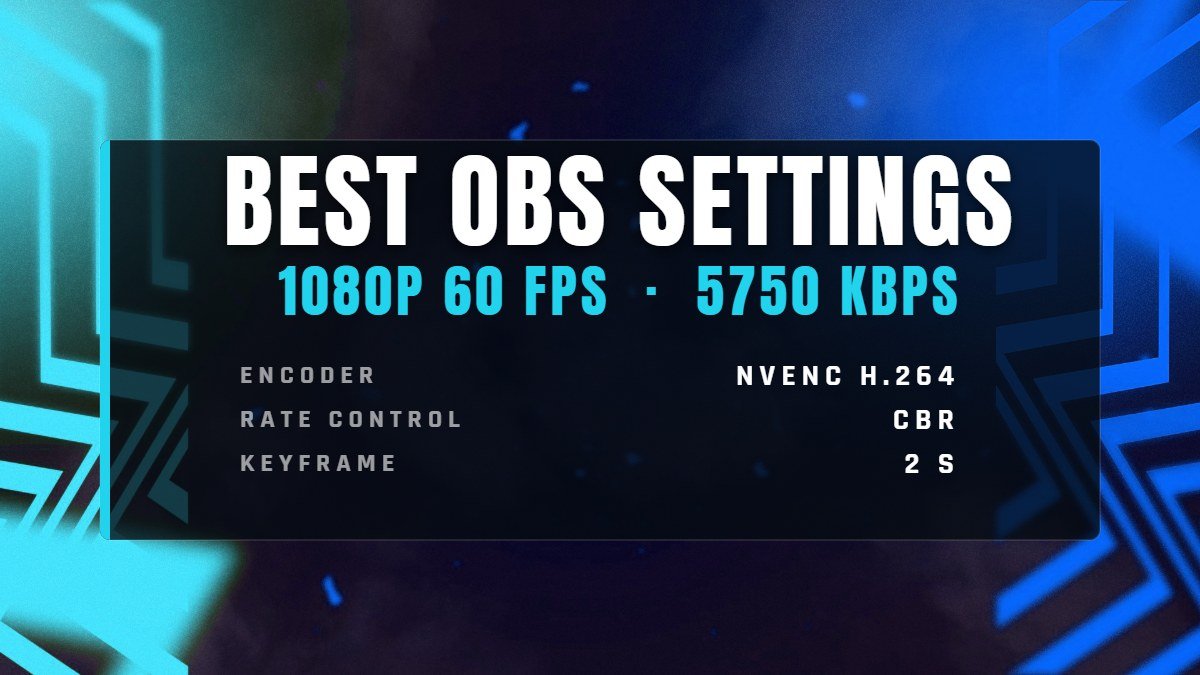
OBS Settings
The right bitrate and encoder settings for your connection.