01/08Free tool
Online Stream Overlay Creator
Design your whole stream, your way. Start from a look, then change anything: background, colors, frame, fonts, effects, layout and your own logo. 21 scenes in four groups: stream screens, transparent overlays, channel art for YouTube, X and Twitch, and social promo posts.
Free downloads go up to 1280 px on the long side and carry a small "Made with streammask.com" line.
Stream Mask Pro
Unlock full-size downloads and remove the credit line, in the Creator and in the Customizer.
·Made with the creator
What you can make in a few clicks
Every image below came straight out of the creator, with the free credit line. Click one to jump to the editor.
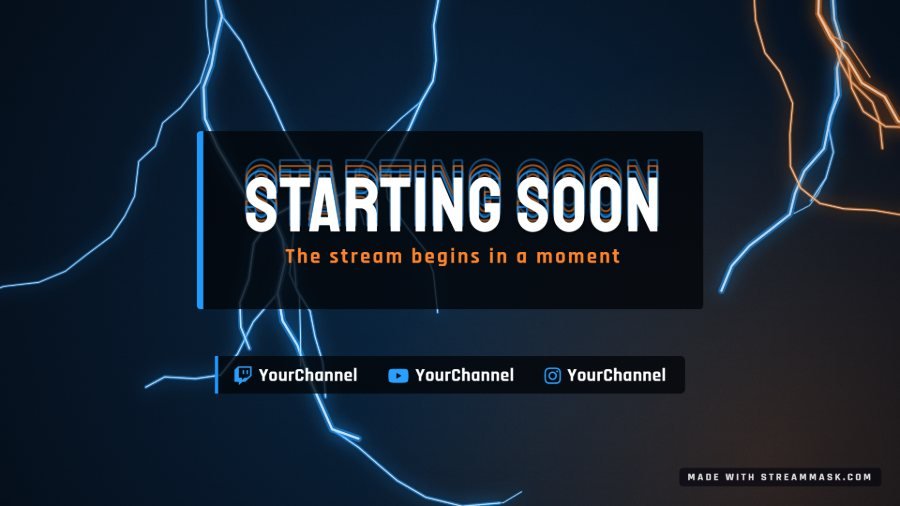 Starting soon screen, Zero Voltage look
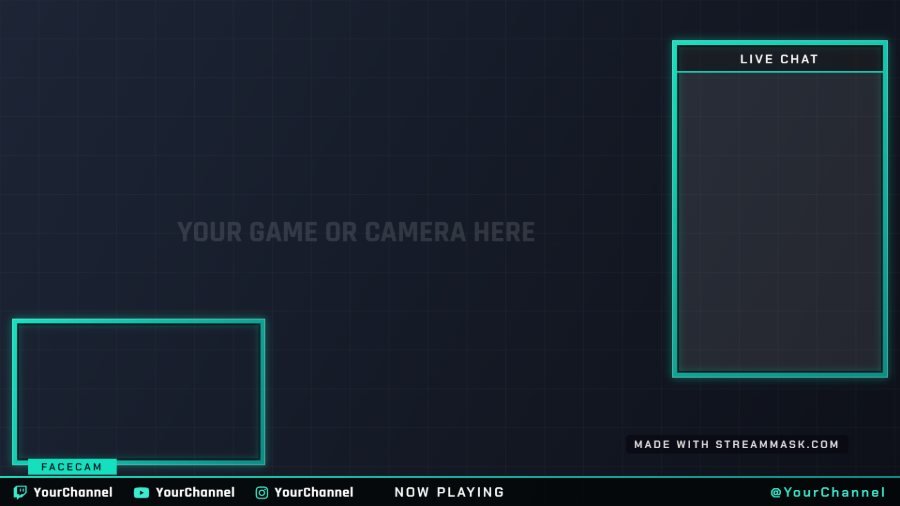 Transparent gameplay overlay with facecam and chat
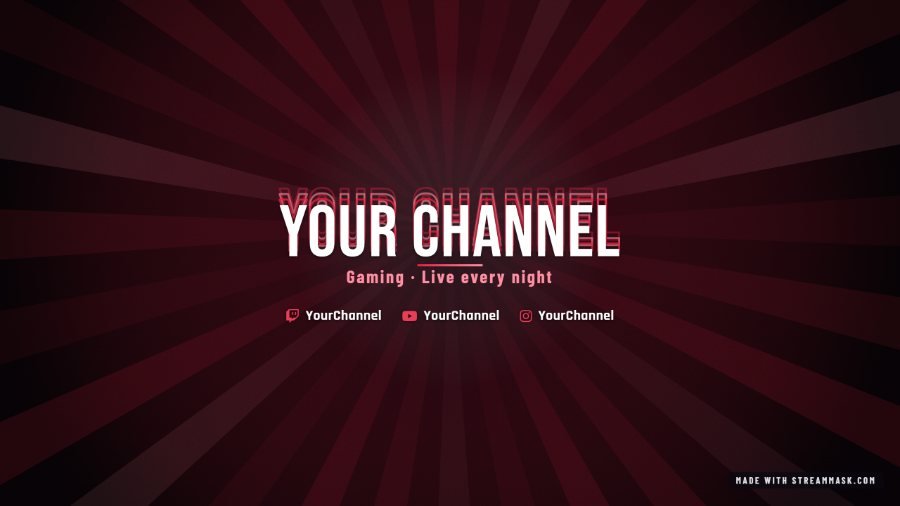 YouTube banner, Atlantis Crimson look
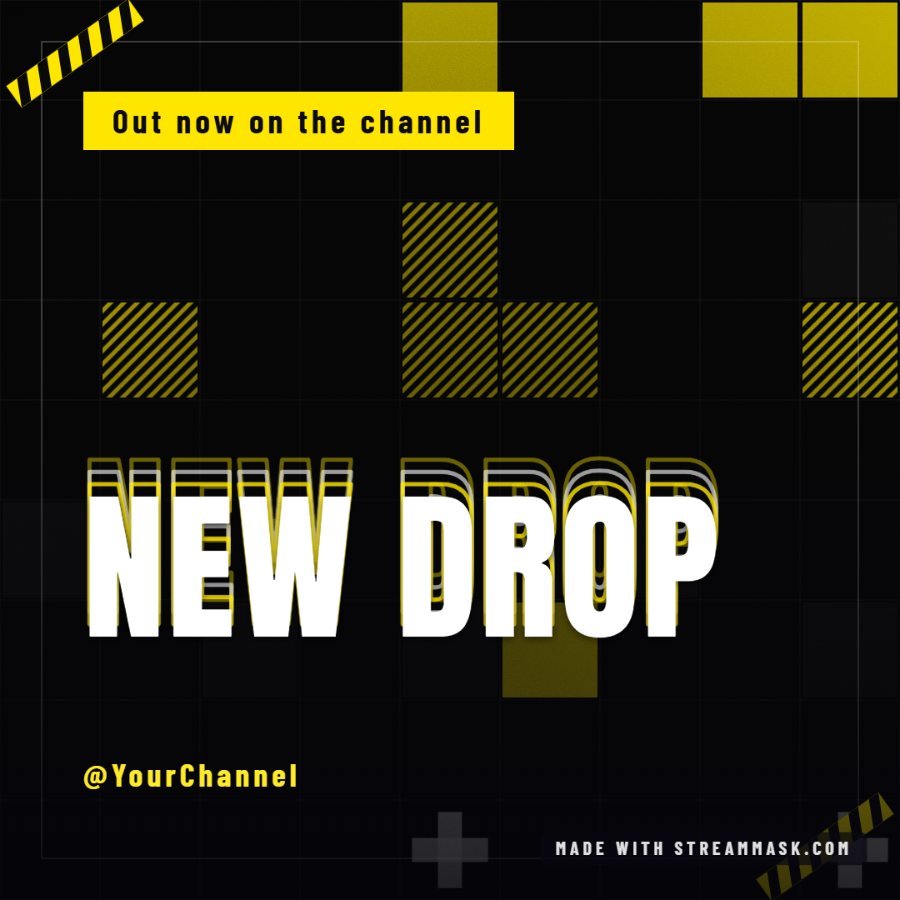 Instagram post, Blazex Poster look
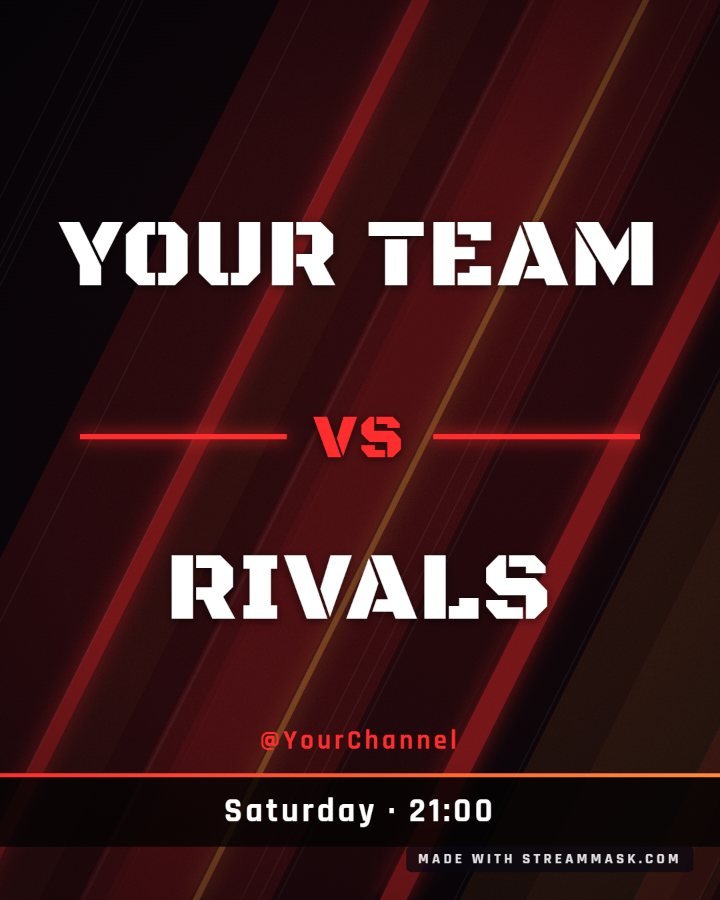 Esports event flyer, versus layout
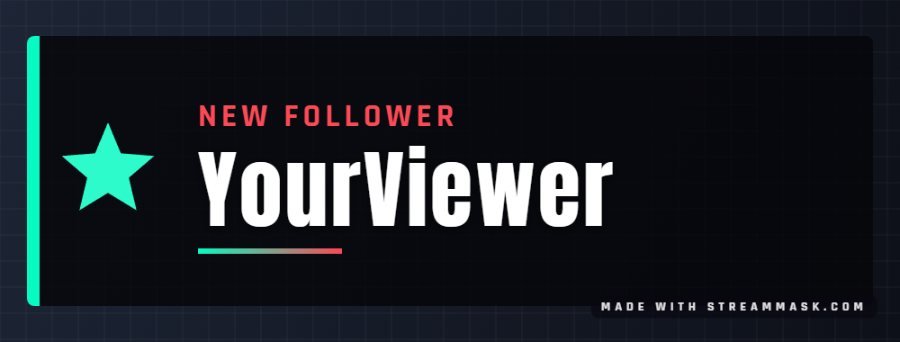 New follower alert with the Legendary art
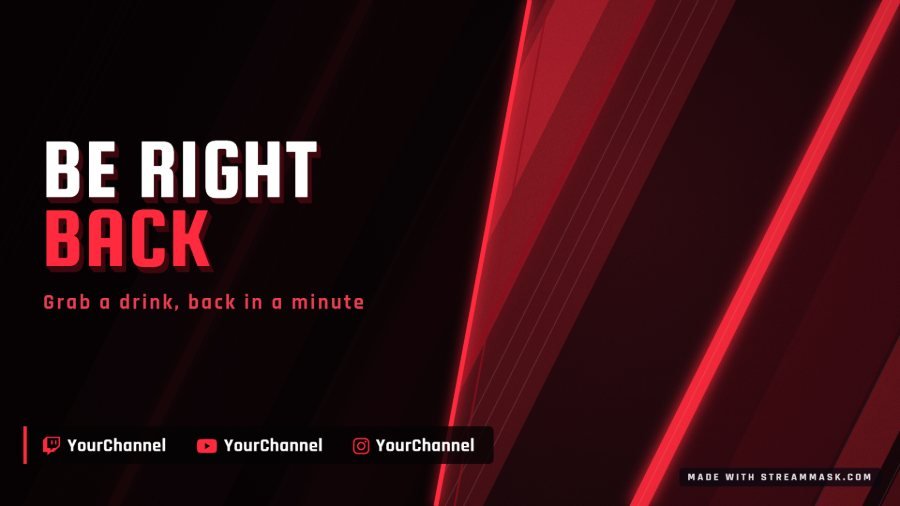 Be right back screen, Vortex Slash look
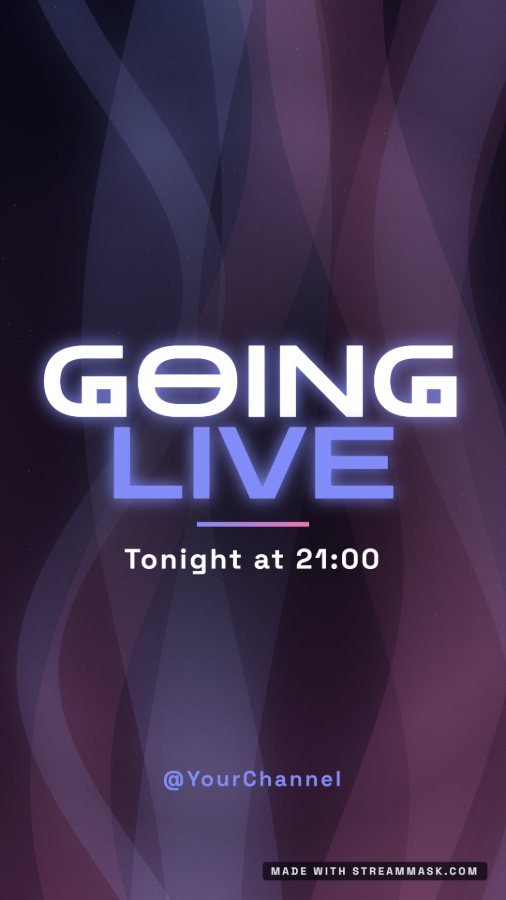 Instagram story, Cosmic Drift look
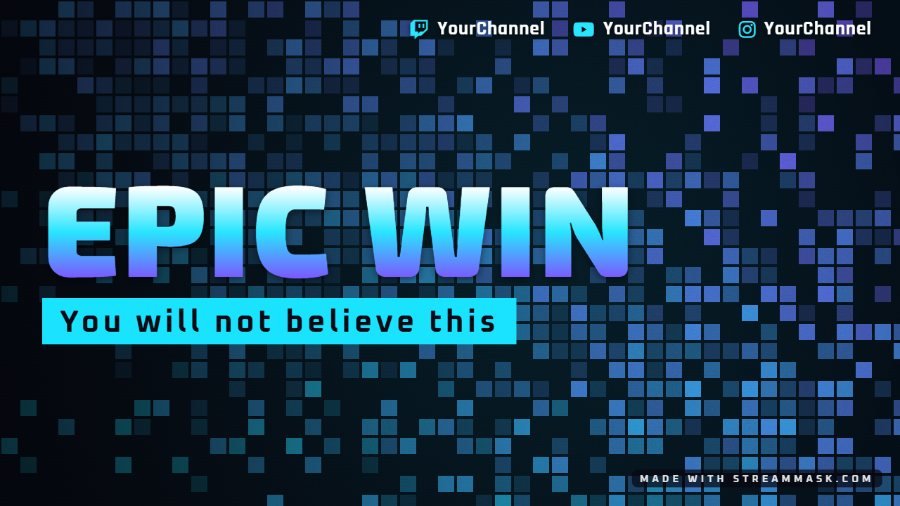 Video thumbnail, Spectrum Pixels look
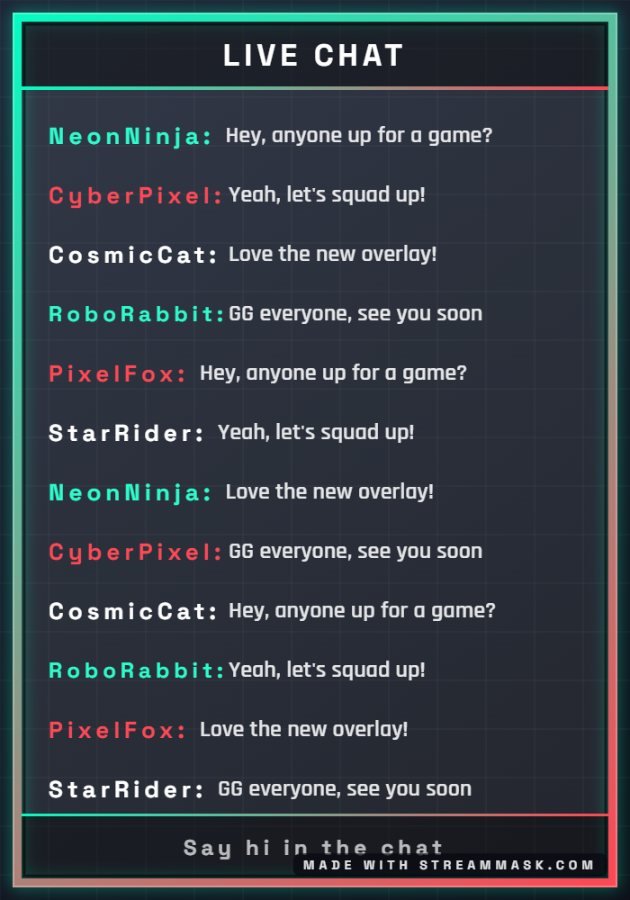 Chat box overlay, Retro Neon look
 Channel avatar, badge layout
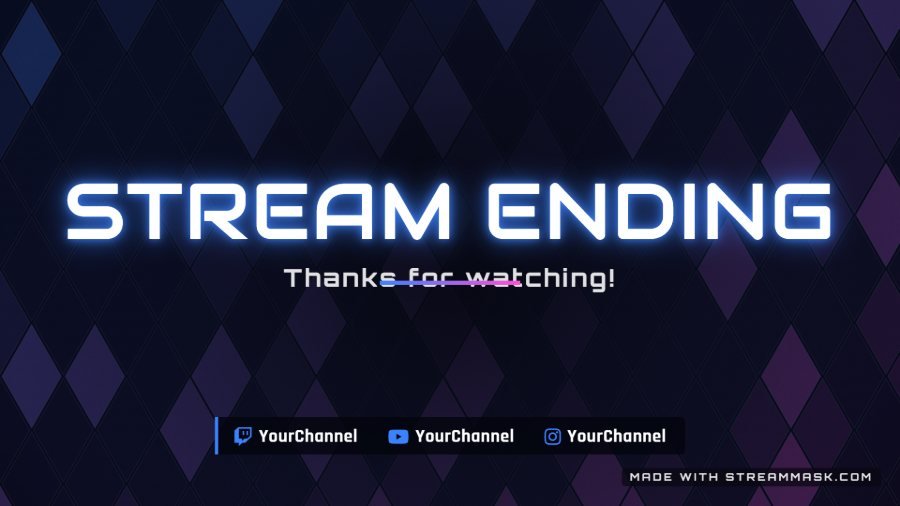 Stream ending screen, Nova Neon look
·How to use it
From the creator to your stream
- Pick a look, then tweak the colors, background, frame and fonts. Choose a scene and a layout.
- Write your title, handle and social links, and add your own logo. Switch the graphic language if you need to.
- Press Download PNG for one scene or All scenes (ZIP) for the whole group. Pick PNG for transparent overlays.
- In OBS or Streamlabs create one scene per image: add it as an Image source. For the gameplay and chat overlays, put it above your game and webcam.
Want it fully custom?
We design overlays, alerts and animated scenes for streamers, influencers and esports teams.
Let's talk about your idea03Questions
Overlay creator questions
01Is the overlay creator free?
02What overlays can I make?
03How do I use the transparent overlays in OBS?
04Can I change the colors and the text?
05What size should my OBS canvas be?
06Can you make a fully custom overlay for me?
-
02
Customizer
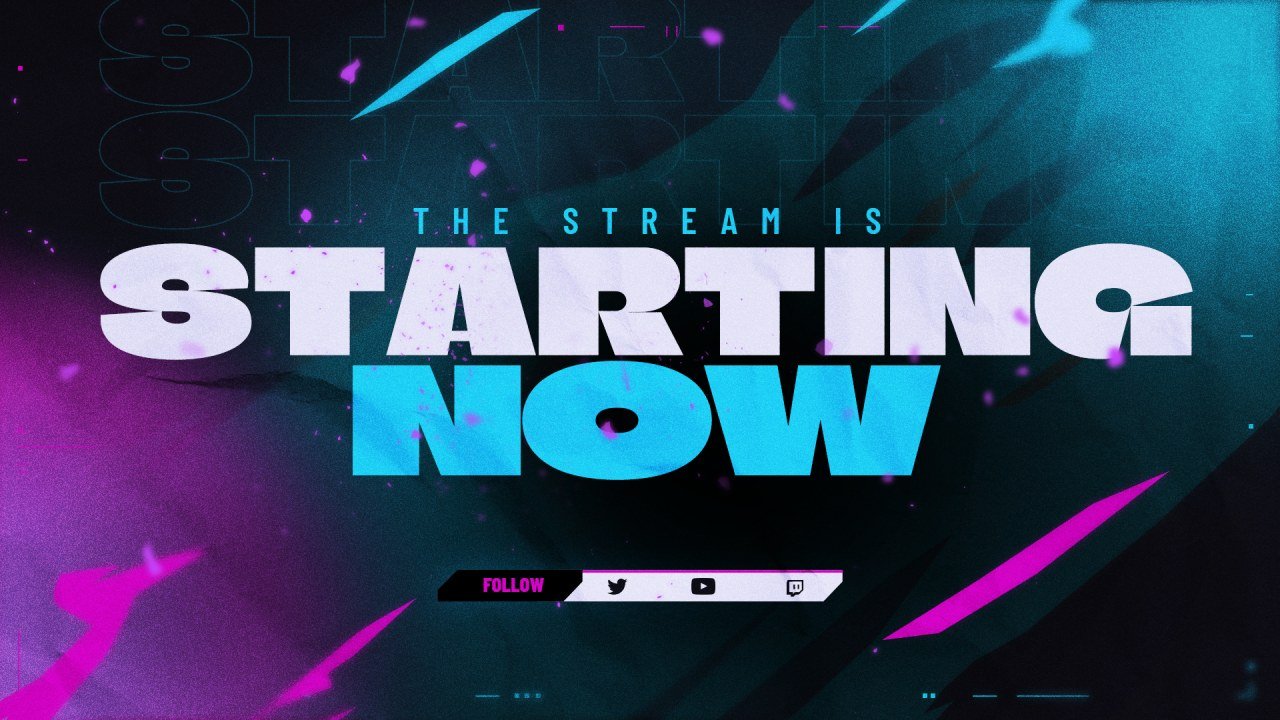
Recolor a stream screen in your brand colors and add your handle.
-
03
Schedule Maker
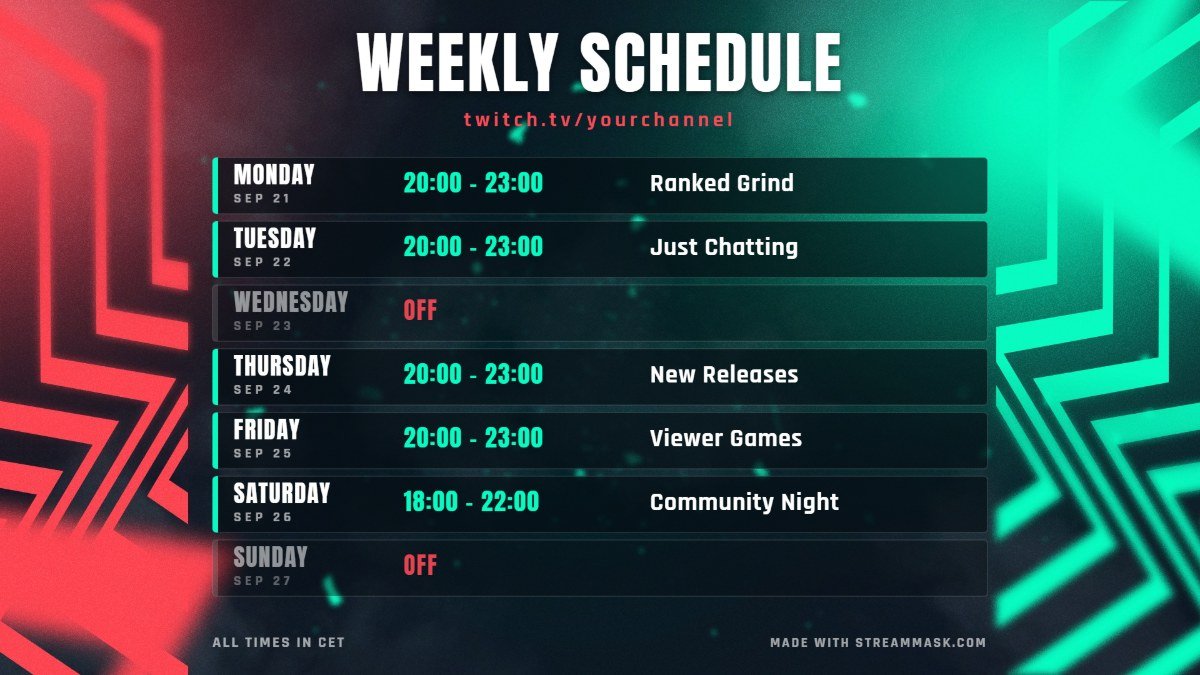
Make a weekly schedule image, ready to post.
-
04
OBS Widgets
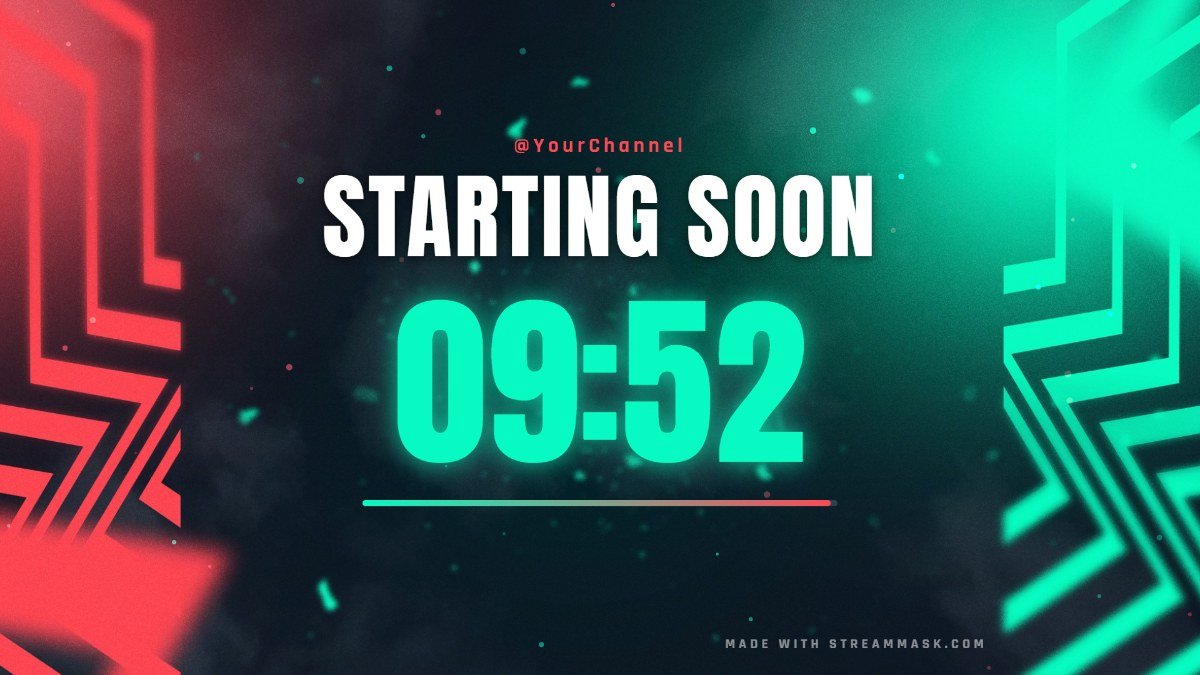
Starting soon countdown, BRB timer, live chat box and social rotator.
-
05
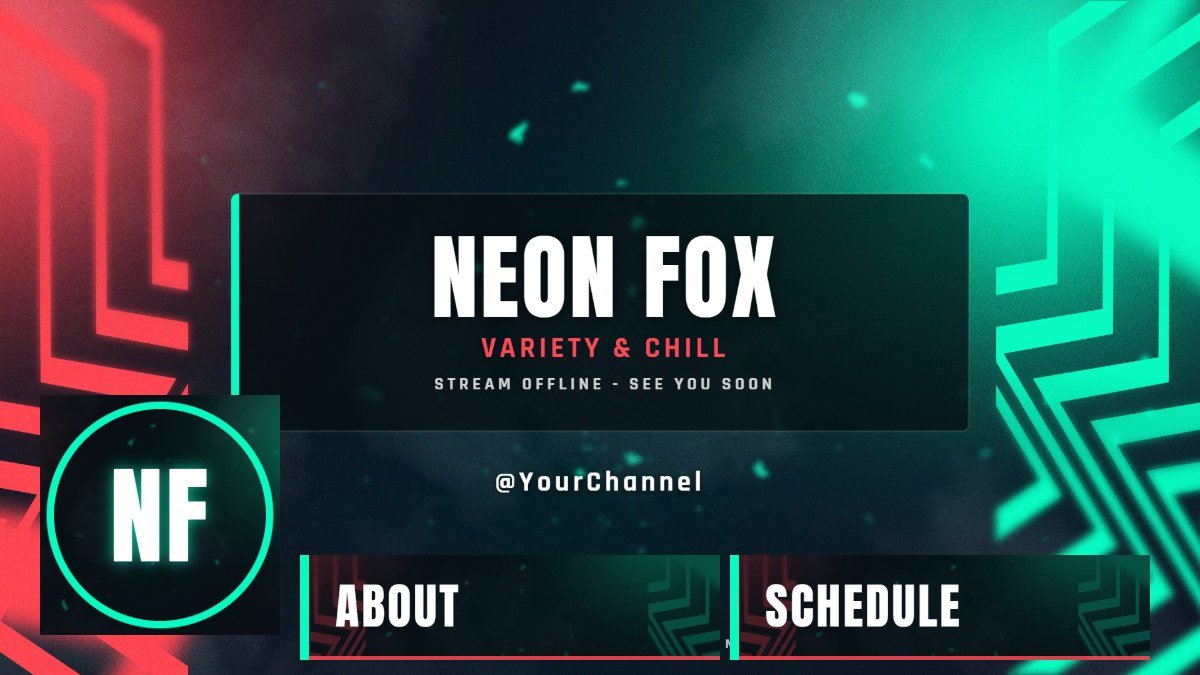
Brand Kit
Offline screen, panels, banners and avatar in one click.
-
06
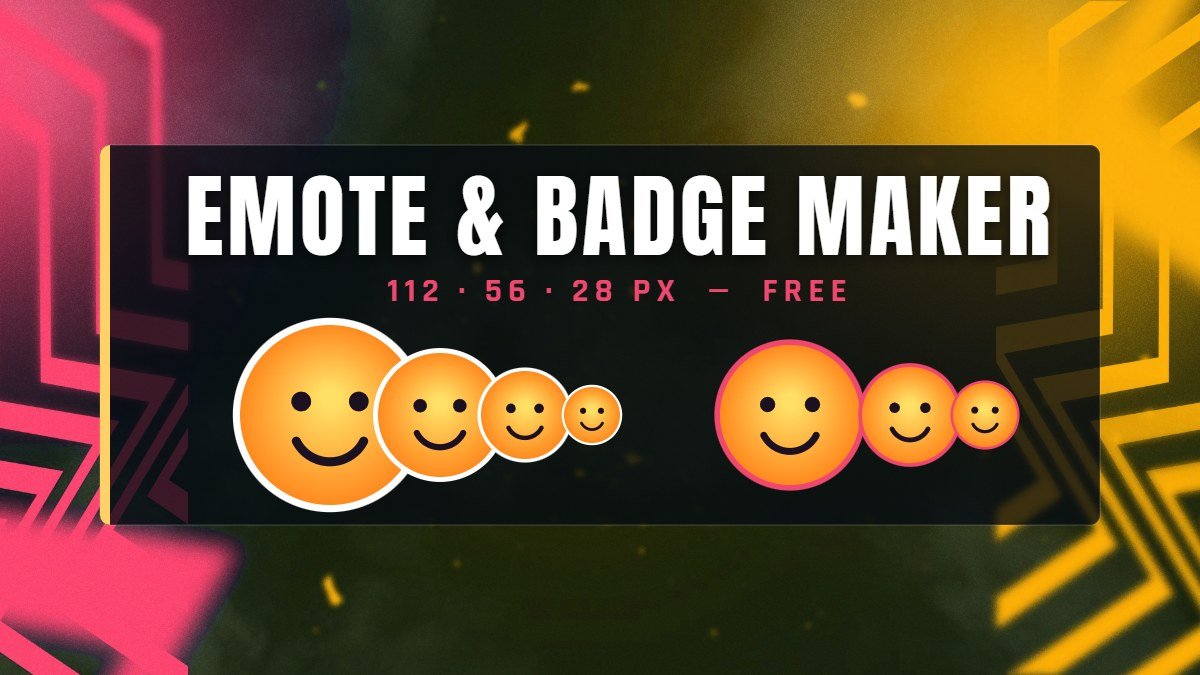
Emote Maker
Turn any image into Twitch and Discord emotes and badges.
-
07
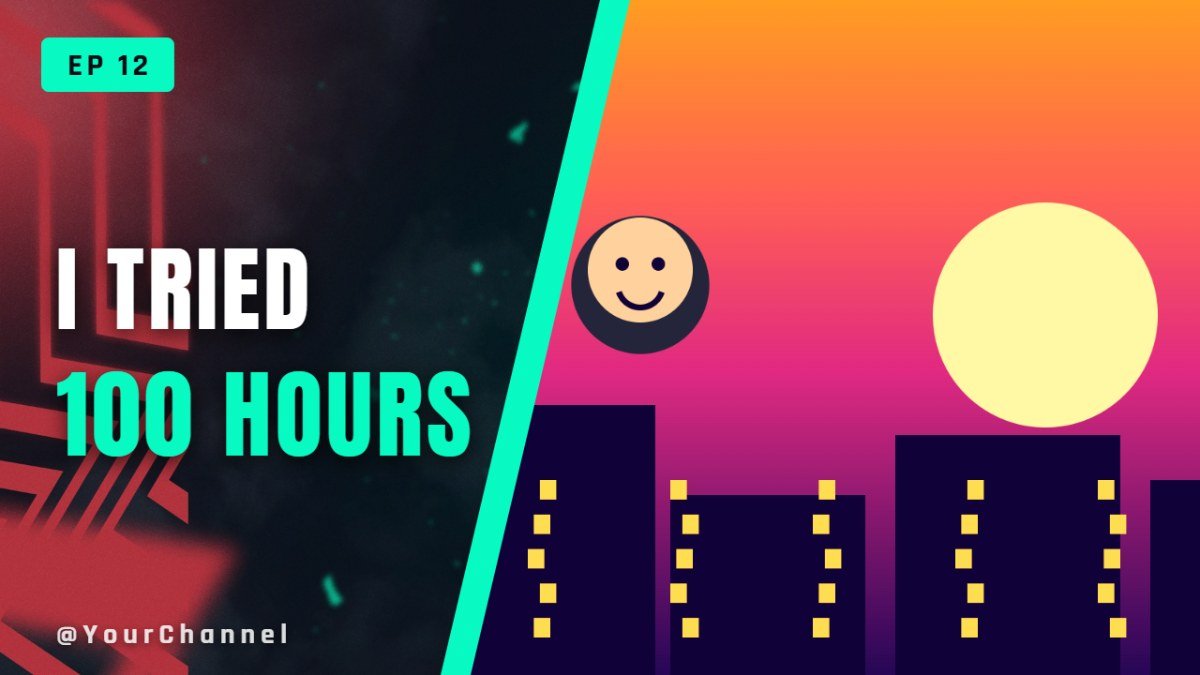
Thumbnail Maker
YouTube thumbnails with big text, in a few minutes.
-
08
OBS Settings
The right bitrate and encoder settings for your connection.