06/08Free tool
Free Emote & Badge Maker
Turn any image into Twitch emotes and badges. Upload a picture, clean it up and download every size Twitch and Discord ask for, all at once. It runs in your browser: your image never leaves your computer.
Want emotes drawn just for your channel? Let's talk about your idea
Your emote preview appears here
Drag the image to move it.
Every size, on dark and light backgrounds:
How it looks in chat
Give your channel a matching look
Make your offline screen, panels and banners in the same colors with the free Brand Kit.
Open the Brand Kit03Questions
Emote maker questions
01What sizes do Twitch emotes and badges need?
02Is my image uploaded to a server?
03Can it remove the background of my image?
04What is the size limit for an emote file?
05Does it work for Discord and other platforms?
06Can you draw custom emotes for my channel?
-
01
Overlay Creator
21 scenes: stream screens, overlays, alerts, banners and social posts
-
02
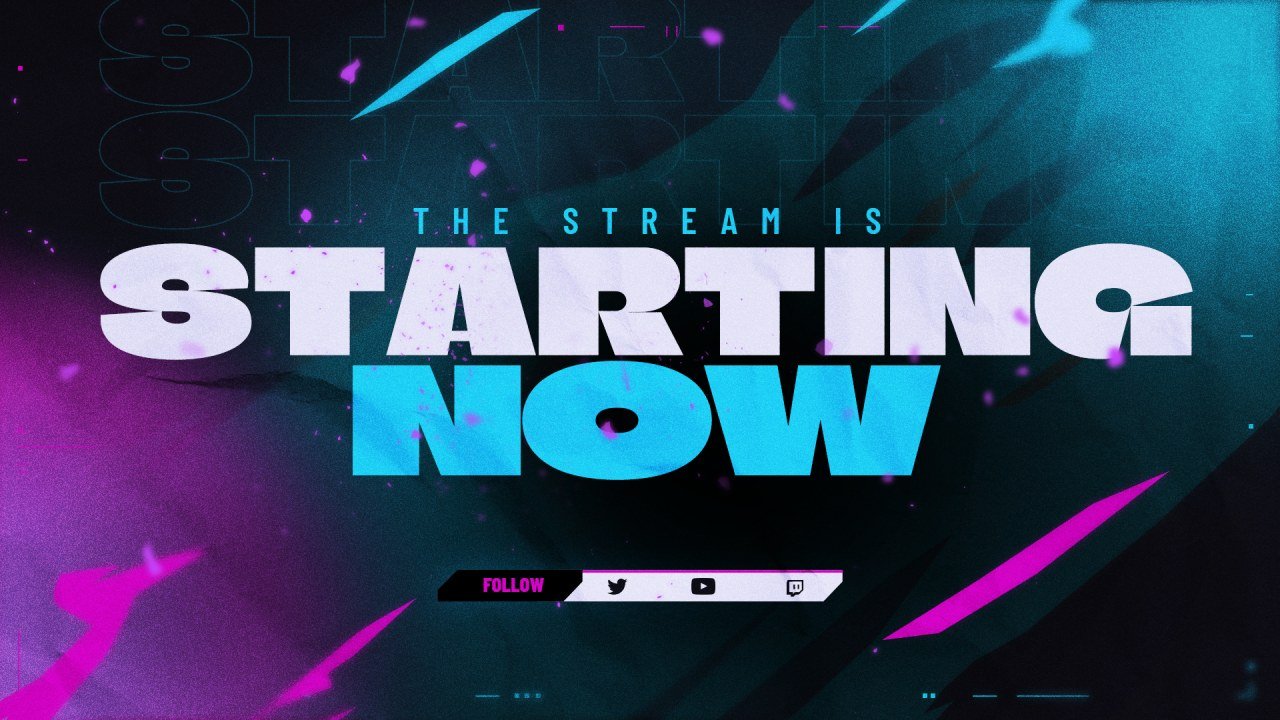
Customizer
Recolor a stream screen in your brand colors and add your handle.
-
03
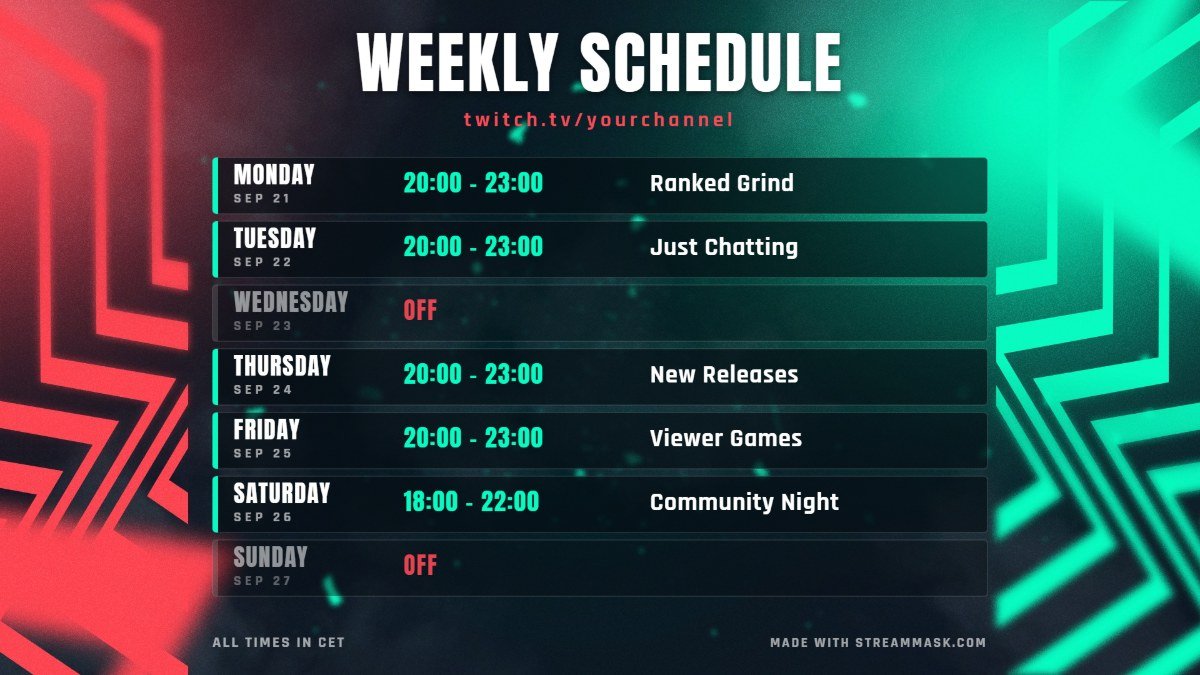
Schedule Maker
Make a weekly schedule image, ready to post.
-
04
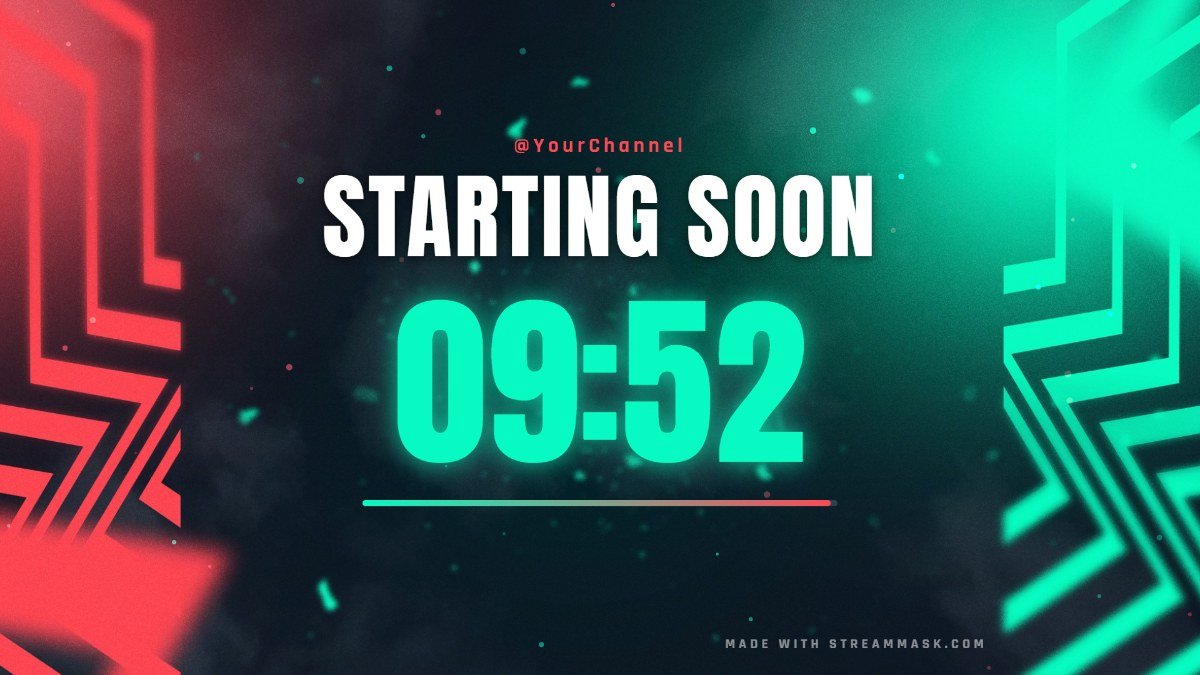
OBS Widgets
Starting soon countdown, BRB timer, live chat box and social rotator.
-
05
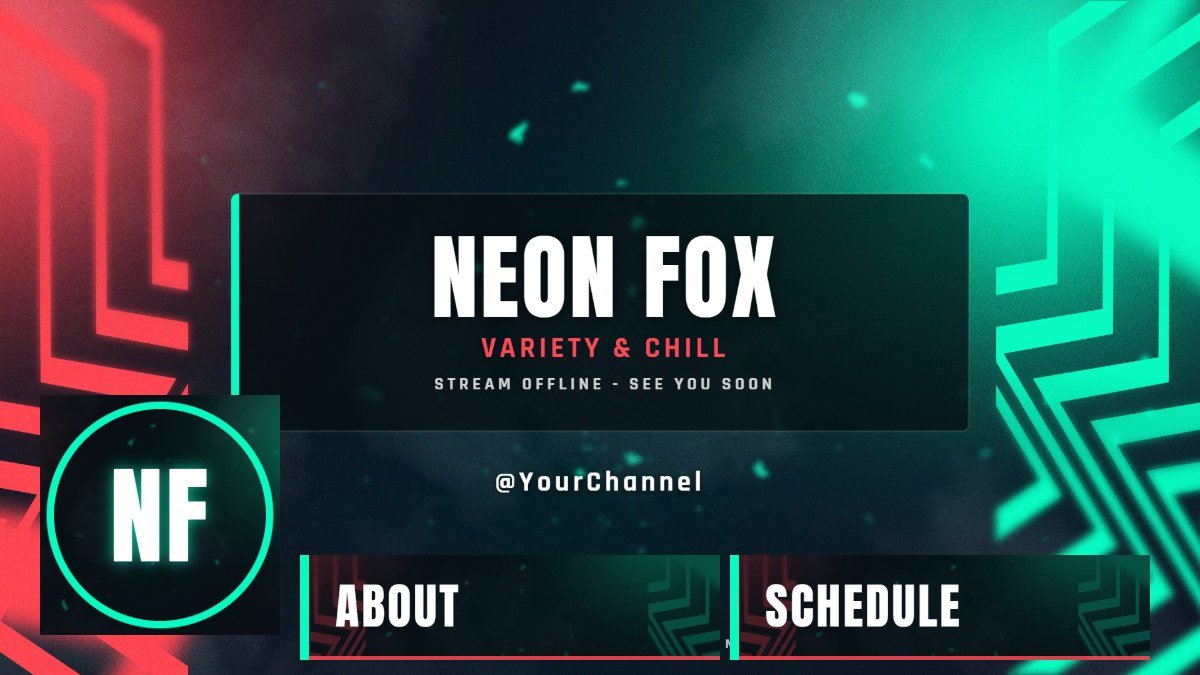
Brand Kit
Offline screen, panels, banners and avatar in one click.
-
07
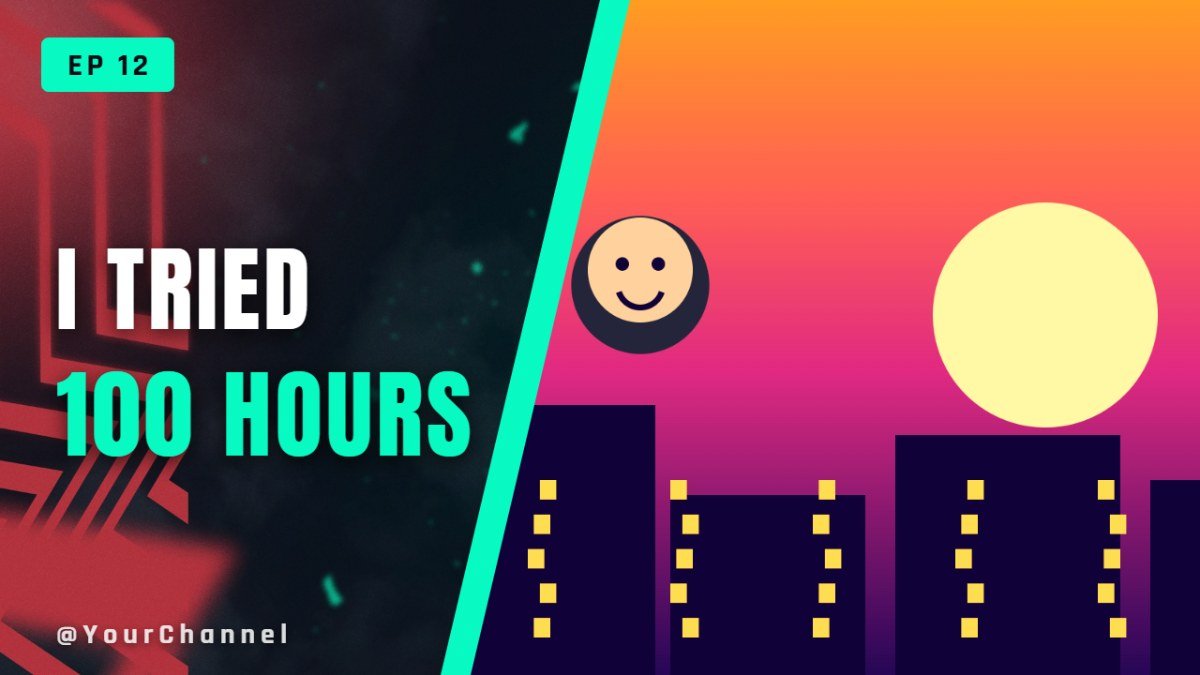
Thumbnail Maker
YouTube thumbnails with big text, in a few minutes.
-
08
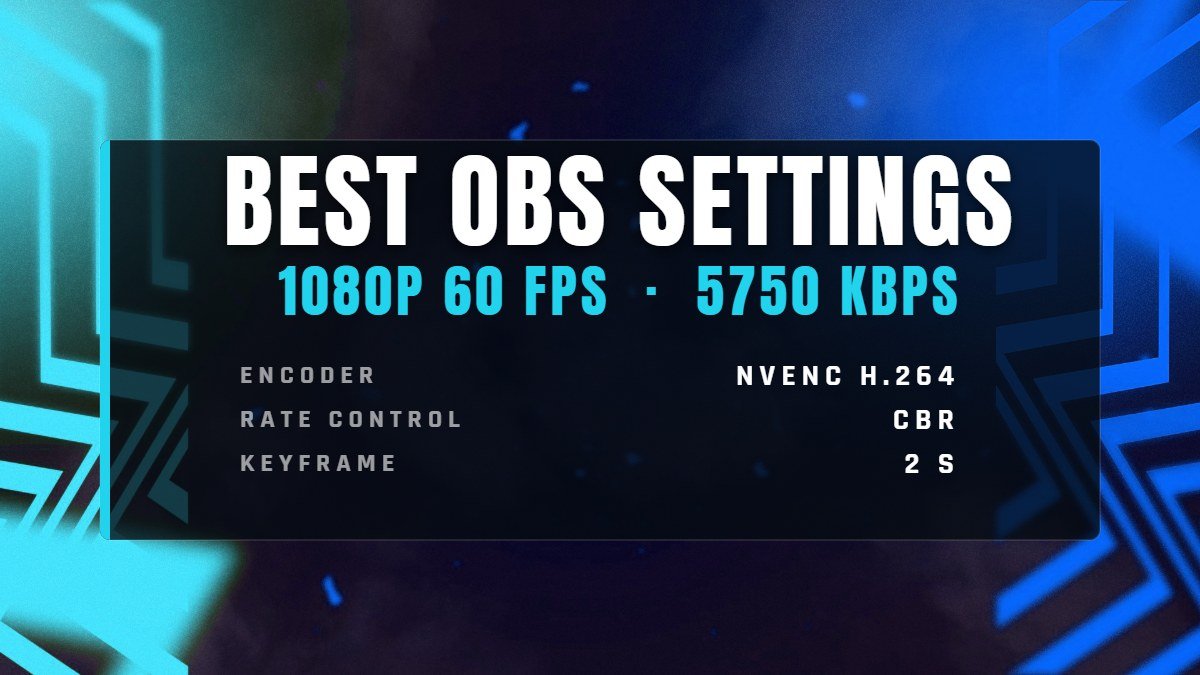
OBS Settings
The right bitrate and encoder settings for your connection.